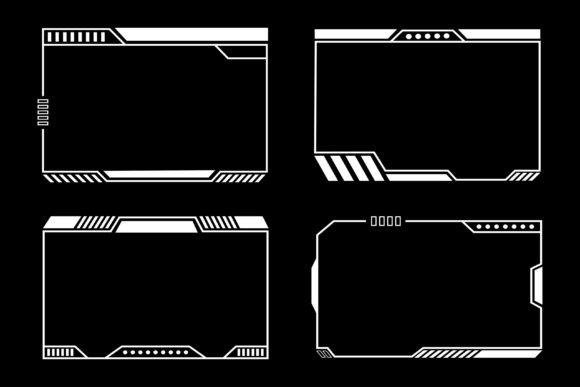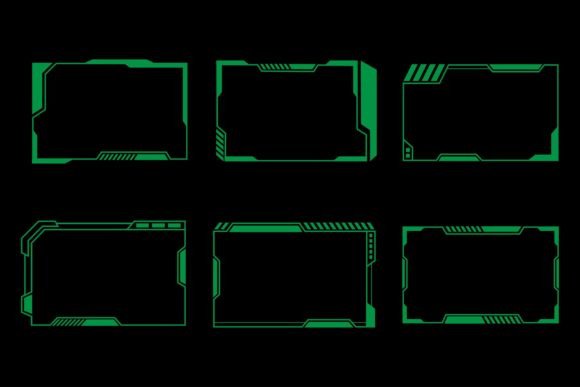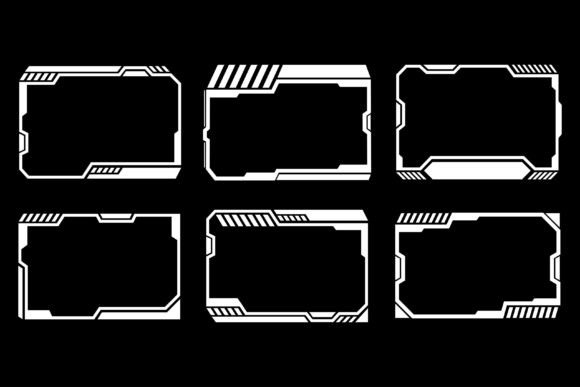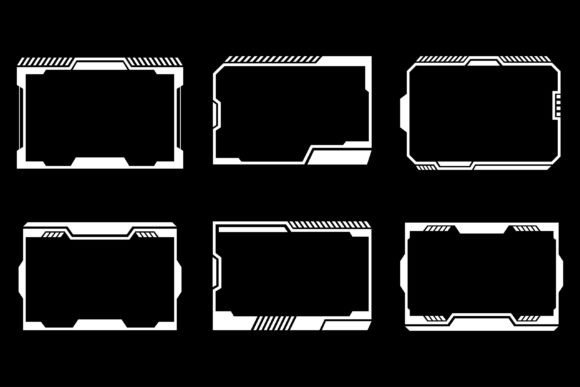
Twitch Stream Frame Panel Overlay Set: Clean, Modern Design
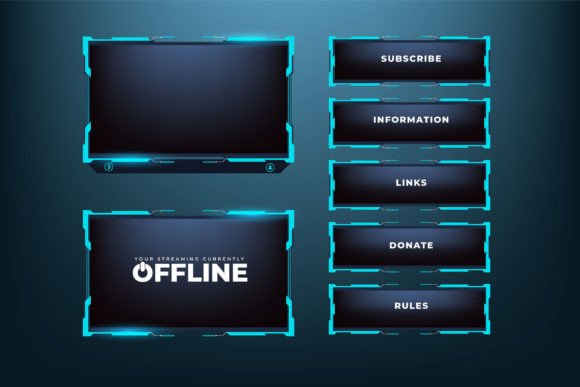
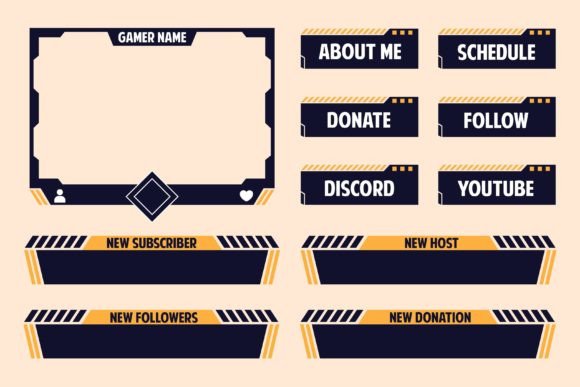
If you’re looking to give your live streams a fresh, polished look without spending hours on custom design, a Twitch Stream Frame Panel Overlay Set might be exactly what you need. This bundle brings together a complete collection of screen interface elements—stream frames, panel overlays, informational bars, and transition graphics—all crafted in a modern gaming aesthetic. The color palette combines blue, purple, and green accents against a dark background, creating a vibrant yet professional atmosphere that holds a viewer’s attention.
You receive the designs in two file types: vector and JPG. The vector format means you can scale every element to any size without losing quality, and you can fully customize colors, text, and shapes using software like Adobe Illustrator. The JPGs give you a ready-to-use raster version that you can drop right into your streaming software. All files are packed into one ZIP archive. After downloading, you simply extract them using WinZIP, WinRAR, or even a direct double-click on most operating systems.
This streaming overlay and frame collection isn’t just for gamers. It works for podcasters, educators, creative artists, small business owners, and anyone who wants a consistent, visually appealing brand on screen. The design is simple enough to avoid distracting from your content, yet detailed enough to make your stream look intentional and high-quality.
What’s Inside a Live Streaming Overlay Bundle with Blue, Purple, and Green Accents
When you open the ZIP file, you’ll find a well-organized set of graphic components. Rather than a single static image, you get individual overlays that you can mix and match based on your stream layout. Common pieces include:
- Webcam frames with geometric cutouts and subtle neon-like glows
- Chat box overlays that blend with the overall dark theme
- Information panels for schedules, social media handles, donation goals, or top supporters
- Transition screens and “Starting Soon” / “Be Right Back” / “Stream Over” scenes
- Alert borders that highlight new followers, subscribers, or tips
The consistent blue-purple-green gradient effect ties everything together. Because the base is dark, any camera feed or bright game footage will pop against the overlays, making your content the focal point while the interface frames it elegantly. The vector files let you tweak the exact hue or brightness to match your personal brand—maybe you want a mintier green or a deeper midnight blue. You have full creative control.
Why Modern Gaming Frame Designs Appeal to So Many Creators
A Twitch Stream Frame Panel Overlay Set solves a practical problem: creating a visually unified stream from scratch is time-consuming and often requires design skills that not everyone has. Even if you know your way around graphic tools, the process of designing, testing, and resizing over a dozen elements can eat into the time you’d rather spend creating content. A ready-made, easy-to-customize bundle shortcuts that entire process.
The modern gaming look—clean lines, subtle glow effects, dark backgrounds—has become a standard on platforms like Twitch and YouTube Gaming for good reason. It communicates that you take your content seriously. For a beginner, it reduces the friction of starting a stream that looks amateur. For a professional, it offers a quick way to refresh a channel’s appearance without a full rebrand. The design also translates well across devices; the contrast and color choices remain legible on mobile screens where many viewers watch short clips.
Another subtle advantage is viewer comfort. Overly busy or bright overlays can cause eye fatigue during long sessions. The dark foundation with controlled color accents helps keep the visual environment calm, so audiences can focus on you and your gameplay or discussion for hours at a time.
Practical Uses Beyond Traditional Gaming Streams
While the name “gaming frame design collection” hints at a specific niche, the applications stretch much further. Here are a few realistic scenarios where this streaming overlay bundle fits naturally:
- Creative art streams: Digital painters or crafters can use the webcam frames and panels to share their tools, commission info, or reference images without covering their work area.
- Live music or DJ sets: Musicians streaming performances can overlay setlists, tip jars, or upcoming event details in style.
- Talk shows and interviews: Panel overlays work brilliantly for displaying guest names, topic tags, or promotional messages in a multi-camera setup.
- Educational content: Teachers or trainers broadcasting lessons can place notes, timers, or resource links inside the frame structure, keeping the screen organized.
- Small business promotions: A boutique owner or fitness coach going live to showcase products or workouts can use the panel set to reinforce branding, share discount codes, or highlight key points.
In each case, the simple streaming overlay and screen interface set design adapts to the content, not the other way around. The blue, purple, and green accents are neutral enough to complement most logos, outfit colors, or background themes without clashing, especially if you adjust them slightly in a vector editor.
How to Get Your Overlays from ZIP File to Live Stream
Once you’ve downloaded the compressed folder, the first step is extracting the contents. You can use any standard archive tool. If you’re on Windows, right-click the ZIP and choose “Extract All.” On a Mac, double-clicking usually unpacks it automatically. Inside, you’ll see separate folders for vector files (commonly AI, EPS, or SVG) and JPG images. Keep these organized in a dedicated project folder so you don’t lose track of the original files.
For the JPG route, open your streaming software—OBS Studio, Streamlabs Desktop, or similar. Add a new image source for each overlay piece you want to use. Position the webcam frame over your camera feed, place the chat box overlay where your chat widget appears, and so on. Because the files are already sized for typical 1920x1080 stream layouts, you usually only need minor resizing.
If you plan to customize the colors or text, open the vector file in Adobe Illustrator (or a free alternative like Inkscape). Select the elements you want to modify. You can change the fill colors to match your brand, edit placeholder text to your own schedule, or adjust the transparency of certain layers. Once you’re happy, export the updated design as a PNG or JPG and replace the source in your streaming software. This flexibility is what makes a vector-based Twitch Stream Frame Panel Overlay Set a long-term asset; you won’t need to buy a new set every time your channel evolves.
What to Keep in Mind Before Choosing Your Streaming Overlay Collection
Even though this bundle is designed to be beginner-friendly, a few practical considerations will help you get the most out of it. First, think about your stream’s overall theme. The blue, purple, and green color scheme is modern and energetic, but if your channel branding involves warm earthy tones or strictly monochrome palettes, you’ll need to spend time in Illustrator recoloring the files. The vector format makes it possible, but you should be comfortable with basic editing operations.
Second, check your streaming software’s image format support. Most programs handle PNG and JPG without issue, but PNGs often preserve transparent edges better. The JPG files in the set are great for quick use, but if you need clean transparency around a webcam frame, you might want to export the vector file as a PNG with a transparent background. Always test your overlay positions on a test stream or recording before going live to avoid awkward cut-offs.
Third, remember that less is often more. It’s tempting to use every panel and frame in the collection at once, but a cluttered screen can overwhelm viewers. Start with the essentials—a webcam frame, one information panel, and a simple alert overlay—and add more only when they serve a clear purpose. A clean layout lets the dark background and colored accents breathe, maintaining that professional modern gaming frame design look.
Making the Most of Your New Screen Interface Set
Think of this Twitch Stream Frame Panel Overlay Set as a flexible toolkit rather than a rigid template. You can mix different elements from the bundle to create unique scenes for different segments of your stream. For example, you might use a larger purple frame for your intermission screen and a thinner green variation for in-game commentary. The variety within the collection supports that kind of creative layering.
You can also pair these graphics with animated overlays or sound alerts if your streaming software supports them. While the bundle itself is static, the design language is consistent, so any GIF or WebM alerts you add later will still feel like they belong if they follow the same color palette. Over time, you can even build your own branding kit around the core visual style provided by this overlay collection.
For professionals who offer streaming setup services to clients, having a library of editable vector overlays like this saves massive design hours. You can quickly tailor one base set to different client brands by adjusting a few colors and swapping out text elements. That means you deliver a customized look without starting from a blank canvas each time.
Caring for Your Files and Planning Future Updates
After extraction, store the original ZIP file and a copy of the unzipped folders in a backup location. Vector files are editable, but it’s easy to accidentally overwrite your master copy while experimenting. Keep a separate “working” folder where you save your customized versions. If you ever need to revisit the original blue, purple, and green palette, you’ll still have the untouched source.
Also, consider that streaming trends shift, but a well-designed, adaptable overlay set can remain relevant for years. Because you can modify the design, you might later introduce a new accent color or reshape the frames to fit an ultrawide monitor setup. The value of a vector-based live streaming overlay bundle is that it grows with your content, not against it.
Whether you’re a first-time streamer setting up your channel or a seasoned broadcaster refreshing an old layout, this streaming overlay and frame collection offers a practical balance of ready-to-use convenience and long-term editability. The dark background, dynamic color trio, and clean modern frames help you build a space where your content shines—and your audience stays engaged.